Have you ever prepared a multiple-choice test for students and then realized that checking every answer manually would take much longer than expected? Or perhaps you are a student preparing for a competitive exam and want to practice filling in answer bubbles just like you would in the actual examination.
A 150-question OMR sheet PDF can make both tasks easier. It provides a structured answer sheet where students can mark their responses to 150 multiple-choice questions without writing the complete answers. Teachers can use it for classroom tests, mock examinations, practice papers, and assessments.
The most useful part is that you don’t need expensive equipment or specialized software to start practicing. You can print a blank sheet, distribute it to students, and use it alongside your question paper.
In this guide, you will learn what a 150-question OMR sheet looks like, how to print and use it, which format to choose, and what to check before using it for an examination.
What Is a 150-Question OMR Sheet?
An OMR sheet, short for Optical Mark Recognition sheet, is an answer sheet designed to record responses using marked bubbles or other designated areas. OMR technology detects marks in specific positions on a specially designed form.
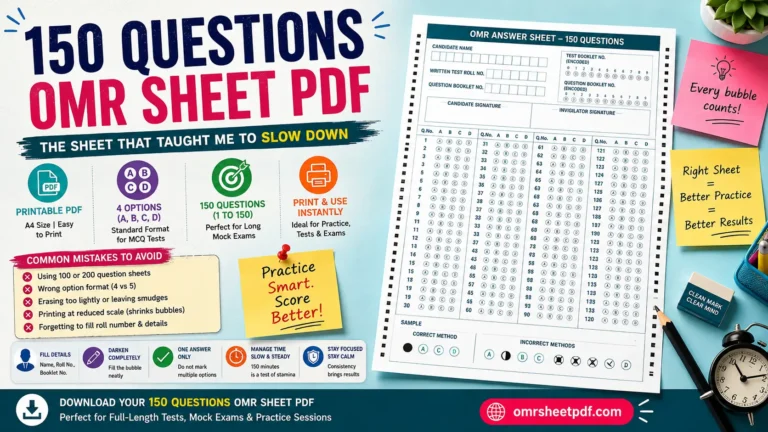
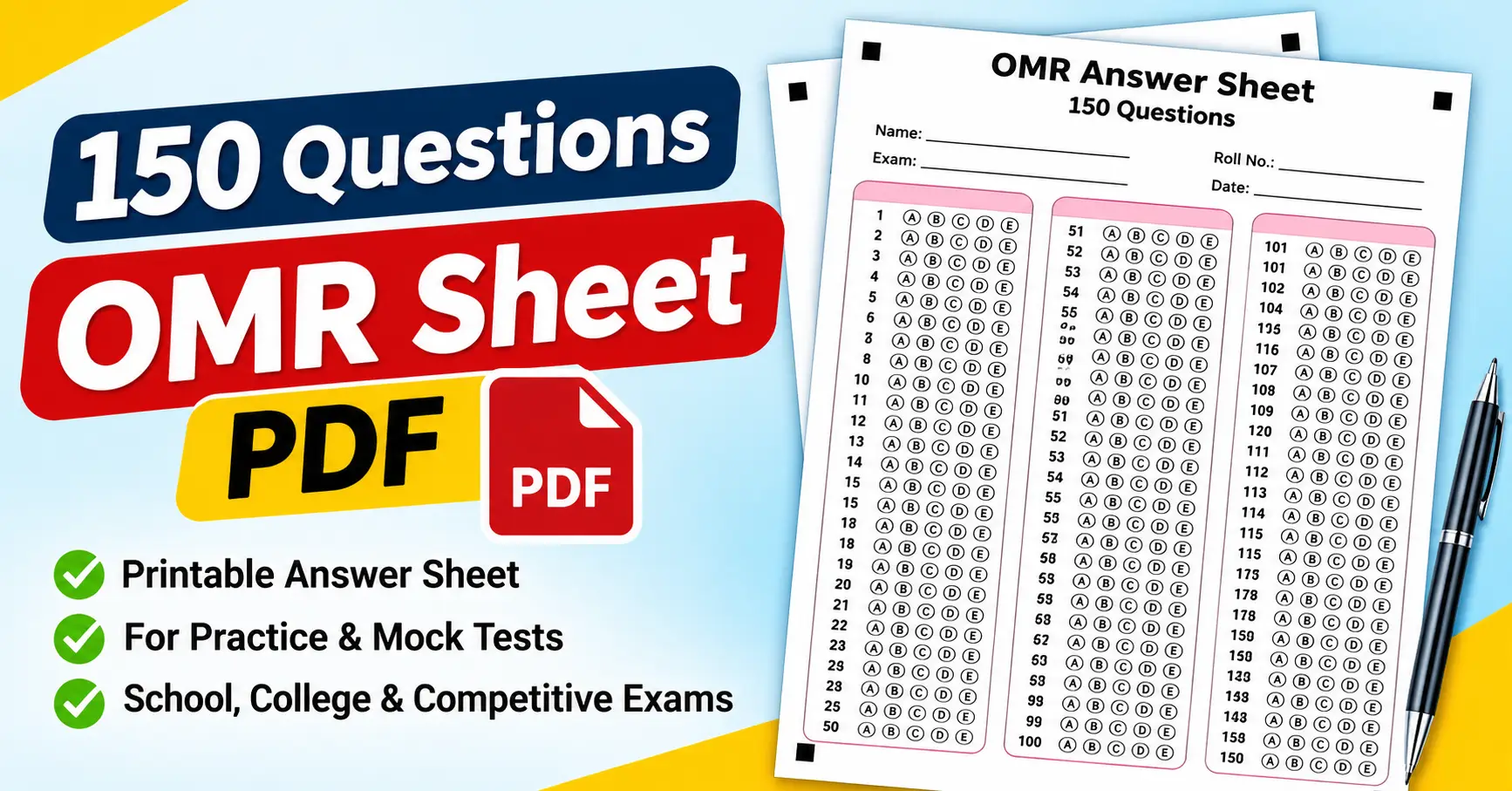
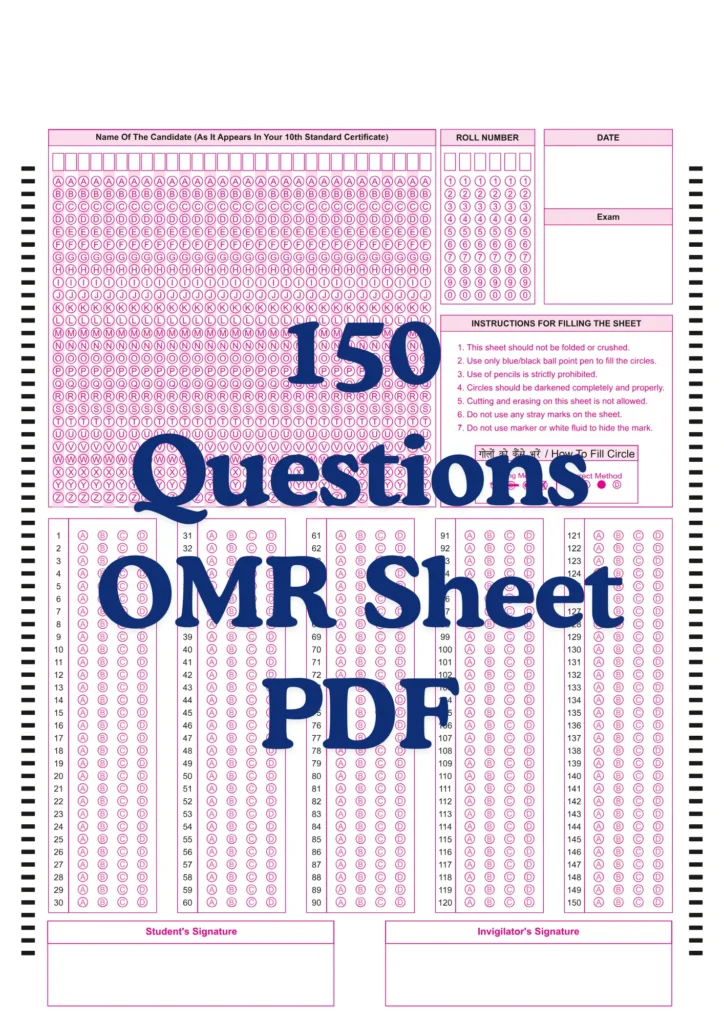
A typical 150-question OMR sheet contains numbered questions from 1 to 150. Each question has a set of answer options, commonly A, B, C, D, or sometimes E. The student selects an answer by filling the corresponding bubble.
For example, if the answer to Question 1 is option C, the student fills the bubble labeled C in the first row.
A printable 150-question answer sheet is useful when you want to simulate an objective examination, organize student responses, or practice managing time during a test.
However, it’s important to understand one distinction: a printable OMR-style sheet isn’t automatically compatible with every OMR scanner or checking application. Automated evaluation depends on the form layout, scanning method, software settings, and marking instructions.
What Does a 150-Question OMR Sheet Include?
A practical answer sheet should make it easy for students to identify their question numbers and mark their answers correctly.
Depending on the template, it may include the following sections:
- Student name: A space to write the student’s full name.
- Student ID or roll number: A field for identifying the student.
- Exam details: A place to write the test name, subject, or examination code.
- Question numbers 1–150: Numbered rows arranged in columns to save paper space.
- Multiple-choice bubbles: Options such as A, B, C, D, and E.
- Instructions: Short guidance explaining how to fill the bubbles.
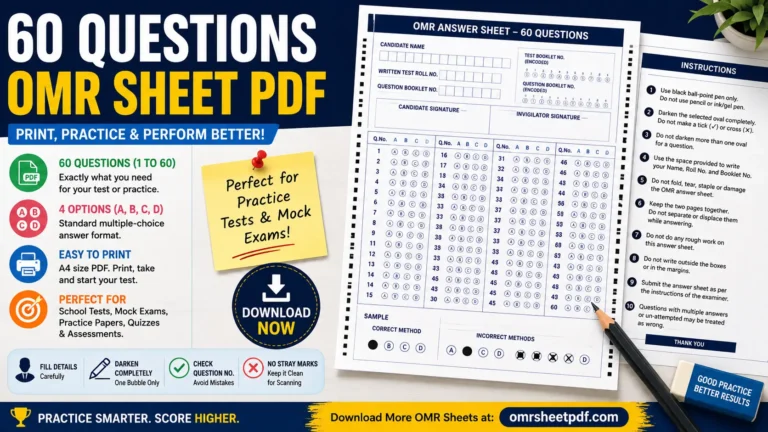
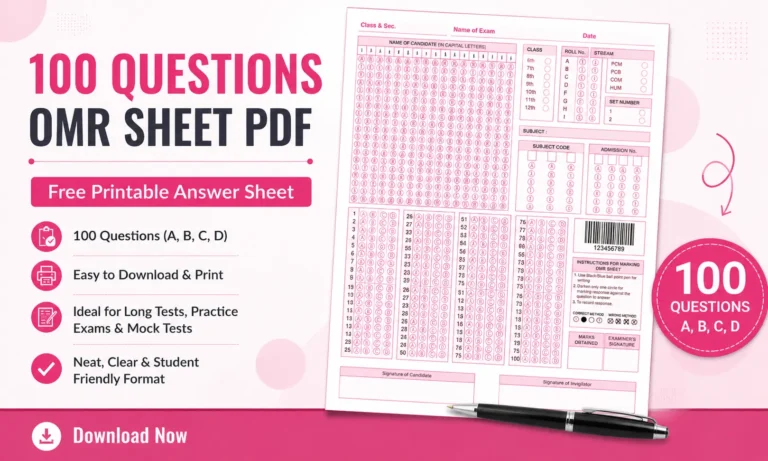
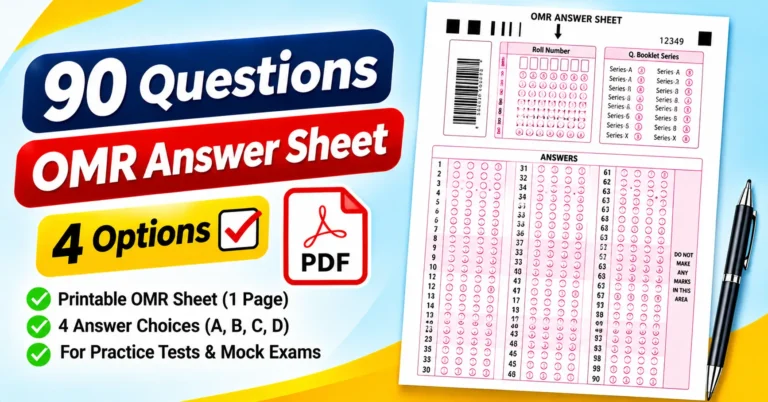
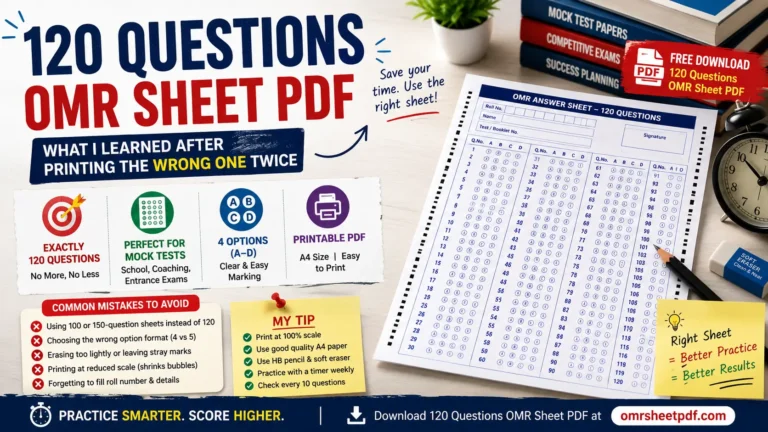
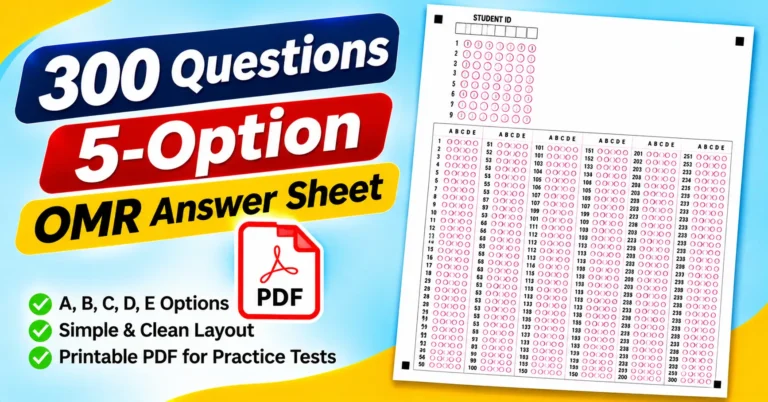
The attached sample answer-sheet design follows this general structure. It includes a name field, student ID area, exam-version options, a digit-bubbling grid, and multiple-choice responses arranged in four vertical blocks. Its question area uses five options, A through E.
That layout is a useful reference for how an answer sheet can organize many responses on a printed page. For a 150-question version, adjust the question numbers and available response rows to cover all 150 questions.
Who Can Use a 150-Question OMR Sheet PDF?
A 150-question answer sheet is useful in several situations.
1. Students preparing for competitive exams
Students preparing for entrance examinations, recruitment tests, scholarship examinations, and other objective assessments can use a blank OMR sheet to practice answering questions under timed conditions.
The practice is especially useful for learning how to transfer answers from a question paper to a separate response sheet without losing track of question numbers.
2. Teachers conducting classroom tests
Teachers can distribute identical answer sheets to an entire class. This keeps responses organized and makes it easier to compare student performance after the test.
For example, a teacher conducting a 150-question science assessment can use the same answer-sheet format for every student.
3. Coaching classes and training institutes
Coaching centers often conduct mock tests to help learners become comfortable with examination procedures. A standard answer sheet allows students to practice marking responses and reviewing mistakes.
4. Schools and colleges
Educational institutions can use OMR-style answer sheets for internal assessments, practice examinations, quizzes, and objective question papers.
Check the template against the institution’s requirements before using it for formal examinations.
5. Trainers and examination organizers
Organizers conducting aptitude tests, employee assessments, or training evaluations can use printed response sheets to collect answers in a consistent format.
For high-volume assessments, decide in advance whether to check answers manually or process them through compatible scanning software.
How to Use a 150-Question OMR Sheet Correctly
Using an OMR-style answer sheet is straightforward, but small errors can make responses difficult to interpret. Follow these steps to keep the process organized.
Step 1: Download and print the PDF
Choose a template that contains all 150 question numbers. Open the PDF in a reliable PDF viewer, such as Adobe Acrobat Reader, or use your browser’s built-in PDF viewer.
Before printing, check the page size and orientation. A4 paper is commonly used in India, while US Letter is common in the United States. Select the format that matches the template.
Step 2: Check the student information
Ask students to enter their name, roll number, and other required details before starting the test.
If the sheet includes a student ID bubbling grid, demonstrate how the digits should be marked. Students should follow the printed instructions rather than guessing how the identification fields work.
Step 3: Read the marking instructions
Explain whether students should use a blue or black ballpoint pen, a pencil, or another specified writing instrument.
No single marking rule applies to every OMR sheet. The instructions provided with the particular form or examination must take priority.
For practice sheets, choose a marking method that makes answers clear and easy to review.
Step 4: Match every response to the correct question
Suppose a student selects option D for Question 27. The student must fill the D bubble in row 27, not row 26 or 28.
A useful habit is to check the question number on the question paper before marking the corresponding row on the answer sheet.
Step 5: Fill the bubble clearly
Mark the selected bubble according to the template’s instructions. Avoid placing ticks or crosses across several answer options unless the form specifically permits that marking style.
For a sheet intended for automated recognition, consistent, complete marks are especially important.
Step 6: Review unanswered and changed responses
Before submitting the sheet, check that the question numbers and selected options match the intended answers.
If a student changes an answer, the correction method depends on the sheet and checking system. Erasing or overwriting marks may not be acceptable for some automated systems, so follow the applicable instructions.
Step 7: Submit or evaluate the sheet
For a classroom exercise, the teacher can compare responses against an answer key. For automated checking, use a system designed to recognize the particular answer-sheet layout.
A printed answer sheet by itself does not calculate marks. Evaluation requires an answer key and a manual or compatible automated checking process.
How to Print the OMR Sheet Without Losing Quality
A sheet that looks clear on a computer screen may print too small if the printer settings are incorrect. Check these settings before printing a complete batch.
- Open the PDF using Adobe Acrobat Reader or another PDF viewer.
- Select Print from the File menu.
- Choose the correct paper size, such as A4 or US Letter.
- Check the print preview to ensure all question numbers and bubbles are visible.
- Use a suitable black-and-white print setting if the template is designed for monochrome printing.
- Select a scale that preserves the original layout. Avoid shrinking the form unnecessarily.
- Print one test copy before printing multiple sheets.
- Check that the outer margins, student details, and final question number are not cut off.
For most practice activities, a standard office printer is sufficient to produce a readable sheet. However, if you intend to use a scanner or OMR evaluation system, follow that system’s paper, print-quality, and alignment requirements.
How to Check 150 Answers Efficiently
When a test contains 150 questions, checking each response one at a time can become time-consuming. A consistent evaluation process helps reduce errors.
Manual checking
For small classes, a printed answer key may be enough. Compare each response with the correct answer and record the score.
For example, if a student answers 120 questions correctly, gives 20 incorrect answers, and leaves 10 unanswered, the raw number of correct answers is 120 out of 150.
The percentage of correct answers, based on all 150 questions, is:
Percentage = (Correct answers ÷ Total questions) × 100
In this example:
(120 ÷ 150) × 100 = 80%
This calculation represents the percentage of questions answered correctly. It does not account for negative marking, which must be applied separately when the examination uses that scoring system.
Spreadsheet-based checking
A spreadsheet application such as Microsoft Excel or Google Sheets can help organize student responses and calculate scores.
For example, a teacher can create columns for the student name, question number, selected answer, correct answer, and result. A formula can compare the selected answer with the answer key.
For a large class, it is usually more efficient to keep the answer key in a separate, clearly labeled section and verify the formula on a few known responses before evaluating the entire class.
Automated OMR evaluation
Automated evaluation can reduce repetitive work when you need to process many sheets. However, the scanning software must support the sheet’s layout or be configured for it.
Before relying on automated results, test the system using sample sheets containing correct marks, blank answers, and changed answers. Confirm that it reads each question correctly and calculates scores according to the intended rules.
Common Mistakes to Avoid When Using an OMR Sheet
Even a well-designed answer sheet can cause problems if students or organizers overlook a few details.
Marking the wrong question number
Students sometimes skip a question and accidentally mark the next answer in the wrong row. This can shift several subsequent responses.
How to avoid it: Match the question number on the test paper with the number on the answer sheet before marking the bubble.
Filling more than one option
If a question has five answer choices, marking two bubbles may make the response ambiguous or invalid under the applicable rules.
How to avoid it: Review the marked row and follow the examination’s instructions for multiple marks.
Using an unsuitable pen or pencil
Different forms and scanning systems can have different marking requirements. A marking method that works for a classroom exercise may not be accepted in a formal examination.
How to avoid it: State the required writing instrument before distributing the sheet.
Printing the sheet at the wrong scale
A reduced or stretched printout may make bubbles too small or interfere with scanner alignment.
How to avoid it: Check the page dimensions and print preview. If scanning is planned, use the exact printing specifications required by the evaluation system.
Forgetting student identification details
An answer sheet without a name or roll number can be hard to match to the correct student.
How to avoid it: Make identification fields part of the pre-exam checklist.
Assuming every PDF works with every OMR app
A PDF containing answer bubbles does not guarantee that any scanning application will recognize those bubbles correctly.
How to avoid it: Confirm layout compatibility and test a sample before using automated evaluation for a real examination.
Frequently Asked Questions About the 150 Questions OMR Sheet PDF
1. Can I print a 150-question OMR sheet at home?
Yes. If you have a printer and a suitable PDF template, you can print a practice answer sheet at home. Check the page size, margins, and readability before printing several copies.
2. How many options should each question have?
That depends on your question paper. Common formats provide four options (A–D) or five options (A–E). The answer sheet must match the options used in the test.
3. Can I use the same sheet for school and competitive exam practice?
You can use a general-purpose sheet for practice if its question count and answer choices match the test. However, official examinations may require a specific answer sheet, identification format, or marking procedure.
4. Can I check the answers using Google Sheets or Excel?
Yes. You can enter student responses and an answer key into a spreadsheet, then use formulas to compare the answers and calculate scores. Enter the data correctly for the results to be reliable.
5. Does an OMR sheet automatically calculate marks?
No. A blank answer sheet only records responses. You must calculate marks using an answer key, either manually, with a spreadsheet, or through compatible evaluation software.
6. Is a 150-question OMR sheet suitable for five-option questions?
Yes, as long as the template includes five response bubbles for every question. Check that all 150 questions have the same intended option structure.
7. Can I use a normal printer for automated OMR checking?
Sometimes, but compatibility depends on the evaluation system and its requirements. The form may need specific dimensions, positioning markers, print settings, and scanning conditions.
8. What should I check before downloading an OMR PDF?
Confirm that the sheet includes questions 1 through 150, has the correct number of options, provides enough space for student details, and prints clearly on your preferred paper size.
Final Thoughts
A 150-question OMR sheet PDF is a practical resource for students, teachers, coaching institutes, and anyone conducting multiple-choice assessments. It helps organize responses, allows students to practice exam procedures, and provides a consistent format for reviewing results.
Before using a template, make sure it matches your question paper, print one test copy, and clearly explain the marking rules. If you plan to evaluate answers automatically, test the sheet with your chosen software rather than assuming that every printable OMR format is compatible.
A few minutes spent checking the layout and instructions can prevent avoidable mistakes during a 150-question test.