50 Question OMR Sheet PDF: What Comparing Four Different Formats Taught Me
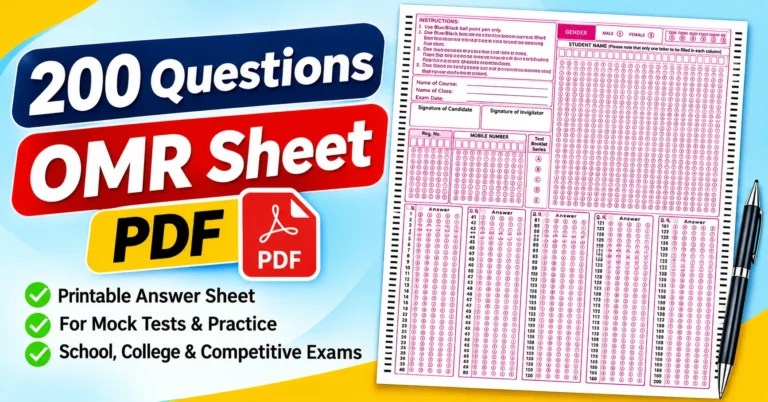
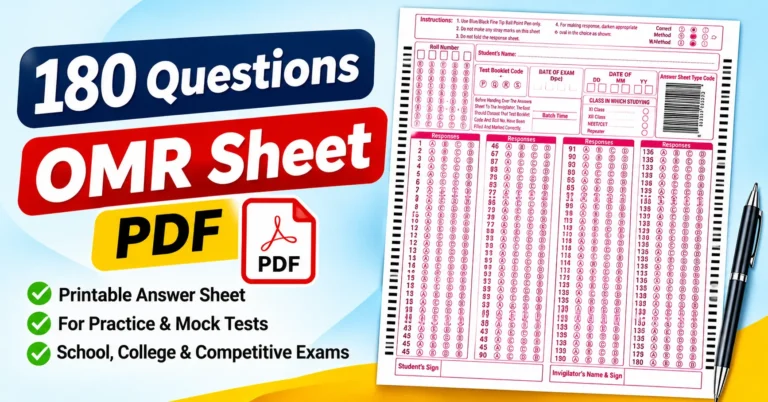
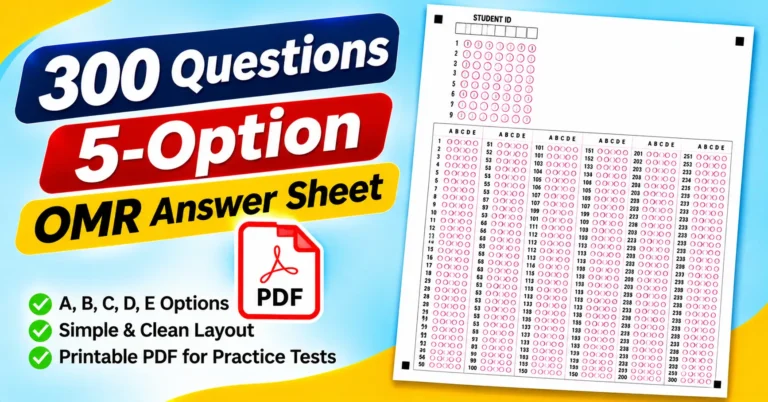
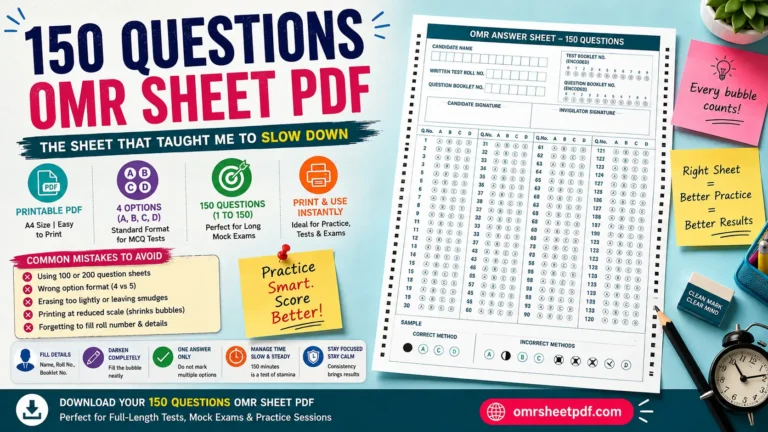
I once printed four different 50-question OMR sheets in the same week, thinking they would all basically be the same thing with different logos slapped on top. They were not. One had a full scannable name grid, another skipped it entirely, one used four options, and one used five. That small experiment taught me more about choosing the right sheet than I expected from something this short.
If you are looking for a 50-question OMR sheet PDF, you are probably preparing for a shorter test, a weekly quiz, or a quick coaching class assessment. I have gone through several versions of this exact format, and I want to walk you through what actually differs between them, since those differences matter more than they look at first glance.
Why a 50-Question Sheet Is Genuinely Different From Longer Ones
A 50-question sheet is short enough to fit comfortably on a single page without feeling cramped, which is exactly why it works so well for quick tests. Unlike a 150- or 200-question sheet, where bubble spacing gets tight and pacing becomes a real concern, a 50-question format gives you room to breathe. I have noticed my own accuracy is naturally higher on these shorter sheets, simply because there is less room for the kind of row-drift mistakes that happen on longer papers.
This also makes the 50-question format genuinely popular among teachers and coaching institutes for weekly assessments. It is long enough to test a full chapter or topic, but short enough that printing and grading don’t eat up an entire afternoon.
Comparing 4-Option and 5-Option Versions
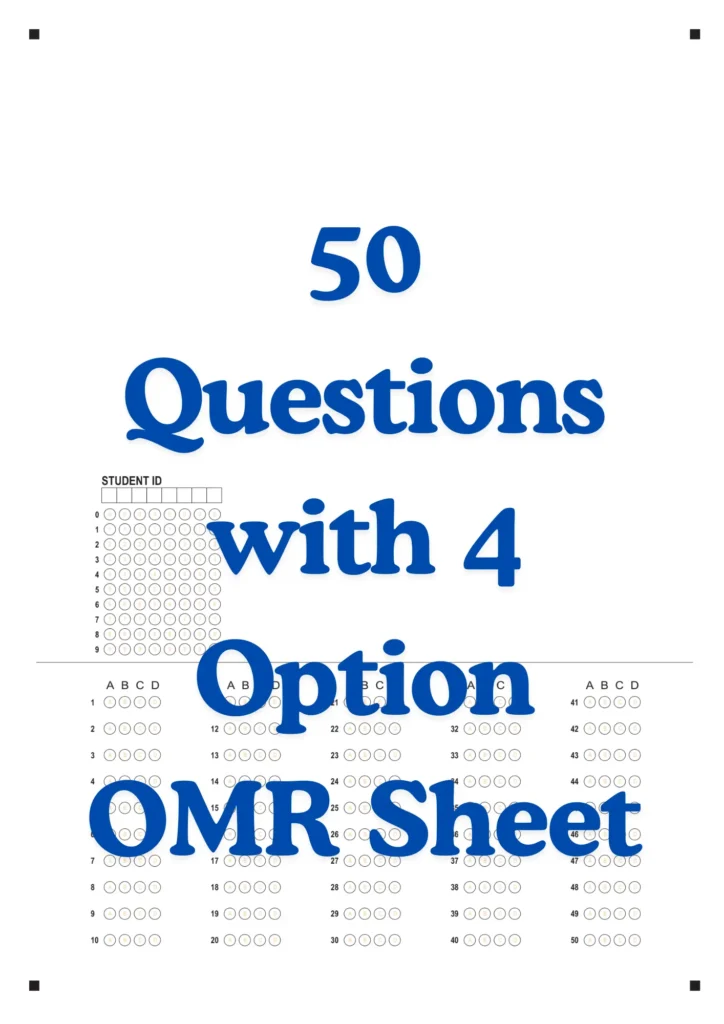
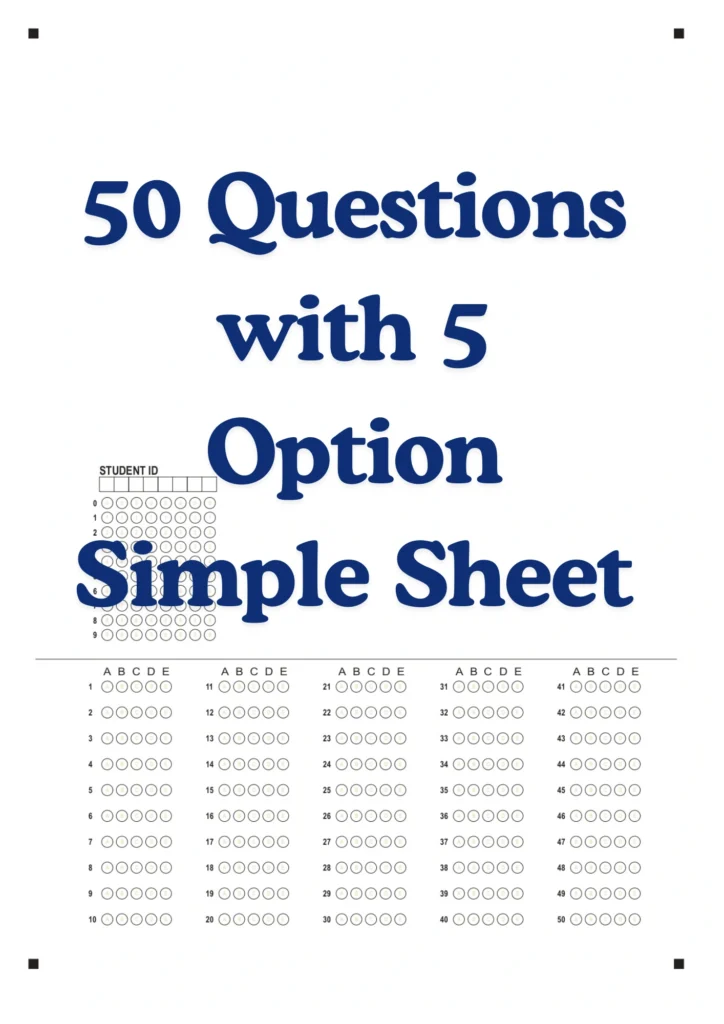
The first real difference I noticed while comparing my four sheets was the option count itself. Two of my sheets used the standard four options, A through D, which is what most school tests and regular coaching assessments use. One sheet, though, used five options, A through E, clearly meant for a slightly tougher test where guessing needed to be harder.
If you are downloading a 50-question OMR sheet PDF for your own use, checking this detail first genuinely saves you a headache later. I made the mistake once of printing a batch of 4-option sheets for a test that actually required five options, and I only caught it after handing a few sheets out. Reprinting at the last minute is avoidable if you glance at your actual question paper before choosing a template.
Simple Sheets vs Sheets With a Full Name Block
The second big difference between my four sheets came down to how much identifying information each one asked for. Two of my sheets were genuinely minimal, just a Student ID grid using standard 0 through 9 digit circles, sitting quietly at the bottom of the answer columns. These simple sheets are perfect for quick, low-stakes tests where you do not need heavy identity verification, like a quick classroom quiz.
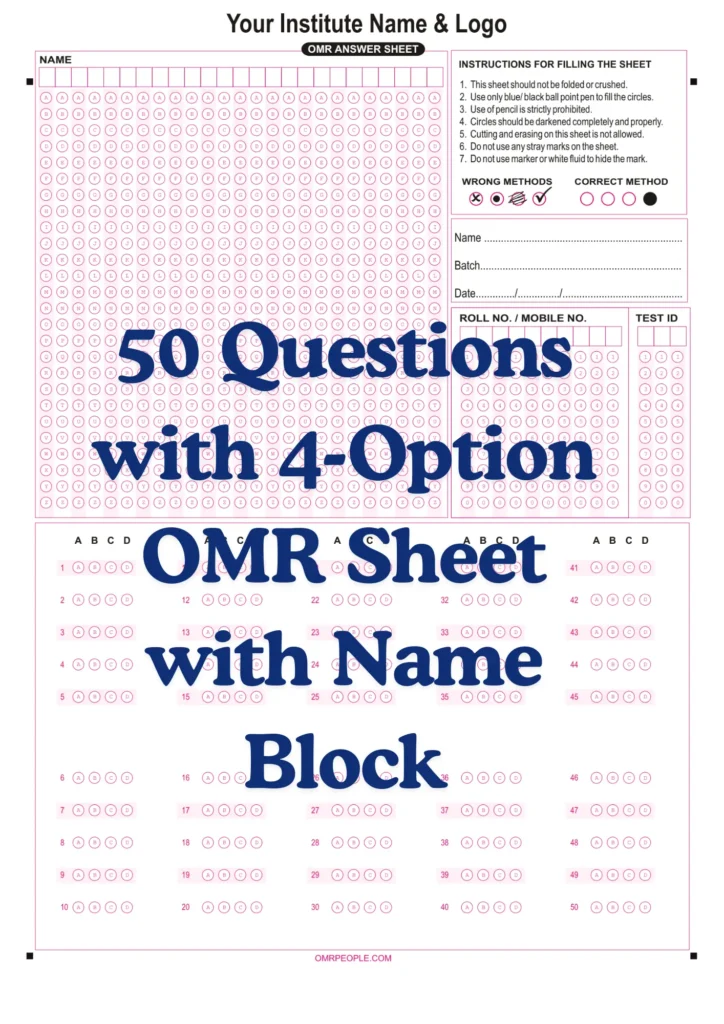
The other two sheets, both branded as proper OMR AnswerSheets with space for an institute name and logo, went further. One of these included a full scannable name grid, with the entire alphabet stacked as circles under each letter box, alongside a Roll No. or Mobile No. section, a Batch field, and a Date field. This version genuinely felt built for a real coaching institute test, not just a casual practice round.
The Sheet Without a Name Block
Interestingly, one of my four sheets used the same detailed layout, instructions, and institute branding area but skipped the big, scannable name grid. Instead, it kept things to a Roll No. grid alone, alongside written fields for Name, Batch, Mobile No., and Test Date, plus dedicated Candidate Sign and Invigilator Sign boxes.
This without-name-block version genuinely makes sense for situations where a coaching institute already tracks students primarily by roll number rather than needing a full scannable name for every single test. It saves printing space and slightly speeds up filling time, since students only need to write their name once rather than also darkening an entire row of letter circles.
The Seven Instructions That Appeared on Both Detailed Sheets
Both of my more detailed sheets carried the same seven printed instructions, and reading through them properly taught me a lot about how seriously these coaching-style sheets treat marking rules. The first instruction states that the sheet should not be folded or crushed, and the second specifies that only a blue or black ballpoint pen should be used to fill the circles.
The third instruction is stricter than many school-level sheets I have used before, stating clearly that pencil use is strictly prohibited. The fourth reinforces that circles should be darkened completely and properly, while the fifth states that cutting and erasing on the sheet is not allowed. The sixth and seventh instructions round things out by prohibiting stray marks and specifically banning the use of a marker or white fluid to hide a mistaken mark.
Both sheets also included a clear Wrong Methods versus Correct Method visual guide, showing exactly how a properly darkened circle should look compared to several common marking mistakes.
Step-by-Step: How I Now Choose and Fill a 50-Question Sheet
After comparing all four formats, I built a simple decision process for picking the right sheet, followed by a fixed filling routine.
- I check my actual test or question paper first, confirming whether it uses 4 options or 5 options before downloading anything.
- I decide whether I need a simple Student ID version or a full detailed sheet with Name, Batch, and Date fields, based on how formal the test actually is.
- I pick up only a blue or black ballpoint pen if my chosen sheet includes the stricter instruction set, keeping any pencil out of reach entirely.
- I fill in my Roll No., Mobile No., or Student ID digits first, carefully darkening the matching circle below each number.
- If the sheet includes a full name grid, I write my name in capital letters and darken every matching letter circle underneath.
- I fill in Batch and Date fields if present, treating these as seriously as the actual answer bubbles.
- I solve each question separately, then mark exactly one complete circle per answer, checking the Correct Method example whenever unsure.
- Before finishing, I check that my sheet is flat, unfolded, and free of stray marks, especially since erasing isn’t allowed on the stricter sheets.
This exact process stopped me from grabbing the wrong sheet format entirely, which used to happen more often than I would like to admit before I actually compared these formats side by side.
A Mistake I Made Comparing the Two Detailed Sheets
During one practice round, I grabbed the without-name-block sheet but tried to fill it exactly like the with-name-block version, looking for a scannable name grid that didn’t exist on that template. I wasted a few minutes confused before realizing this sheet only wanted my name written once, in the plain-text field near the bottom. This taught me to glance at a sheet’s full layout before assuming every version works the same way.
Real Example: Why Coaching Institutes Prefer the Branded Format
A tutor I know runs a small coaching class and specifically prints the detailed, branded version of this 50-question sheet for every weekly test. She likes that it includes her institute name and logo, along with proper Batch and Date fields, since it makes her students’ practice tests feel closer to an actual formal exam experience. The Candidate Sign and Invigilator Sign boxes also help her track attendance and participation across the weeks, something a plain, simple sheet never offered her.
Common Mistakes to Avoid
Based on my own comparison of these four sheet formats, these mistakes come up most often.
- Downloading a 4-option sheet when your actual test requires five options, or the other way around.
- Using a pencil on a sheet whose instructions specifically state that pencil use is strictly prohibited.
- Searching for a name grid on a sheet format that includes only a plain written Name field.
- Attempting to erase or correct a mark on a sheet where the instructions clearly prohibit cutting and erasing.
- Skipping the Batch, Date, or Roll No. fields on a more detailed, institute-branded sheet.
Catching even a couple of these mistakes early genuinely saves you the hassle of reprinting or restarting a test sheet.
Final Thoughts
A 50-question OMR sheet PDF might look like a short list of options. I learned from comparing four different ones side by side that the actual options vary more than you might expect; you need a quick, simple sheet with just a Student ID, or a fully detailed, institute-branded sheet with a name grid and signature boxes, picking the right one for your specific test genuinely matters.
Check your option count, decide how much identifying detail your test actually needs, and pick up the correct pen before you start. Once you match the right 50-question sheet format to your actual test requirements, filling it becomes a quick, painless part of your exam routine rather than something to worry about.